Measure a veranda with an iPhone: remote surveys
Let customers measure their patio with an iPhone before you visit. Fewer wasted trips, enquiries with real sizes and photos, and AR at full size.
Contents9 headings
A survey takes time: travel, the appointment, measuring, driving back. If the enquiry goes nowhere, that time is lost. A measuring app flips the order round. The customer measures first, with their own phone, and you only travel once the job is real.
How a veranda measuring app works
Augmented reality (AR) uses the iPhone's camera and motion sensors to measure distances in a real space. For a veranda, that is enough to capture the width and depth of a patio reliably.
With meetpiloot it works like this:
- Your customer opens the configurator on your website, or you send them a link or QR code.
- On an iPhone the measurement opens as an App Clip. Nothing to install.
- They walk the patio and measure width and depth with the camera.
- The sizes and a photo go straight into the configurator and later into the enquiry.
On Android, the customer types the sizes in, in the same configurator.
What you get out of it
- Fewer wasted trips. You visit customers who already have sizes, options and an indicative quote.
- Better indicative quotes. With real sizes, the first quote sits closer to the final price.
- Photos with the enquiry. You see the wall, the ground and the surroundings before you go.
- Faster replies. The enquiry is complete, so you can price it straight away.
Helping customers measure accurately
A few tips you can pass on make a real difference:
- Measure in daylight. The camera needs good light and visible surfaces. At dusk, or on very uniform surfaces, accuracy drops.
- Move slowly. Holding the iPhone steady and walking calmly gives more stable results.
- Start at the house wall. For a wall-mounted veranda, the wall is the reference for the depth.
- Photograph obstacles. Downpipes, windows, shutter boxes and wall lights all matter for the design.
- Sanity-check the result. If the sizes are far from what the customer expected, measure again.
What to do with the photos
The photos are often worth more than the sizes. You can see the ground, the house wall, the neighbours' buildings and anything in the way of fitting. That lets you judge before the visit whether you need footings, whether the fixing height works and whether the wished-for size is realistic. It keeps surprises out of the quote.
Full size in AR, at home or in the showroom
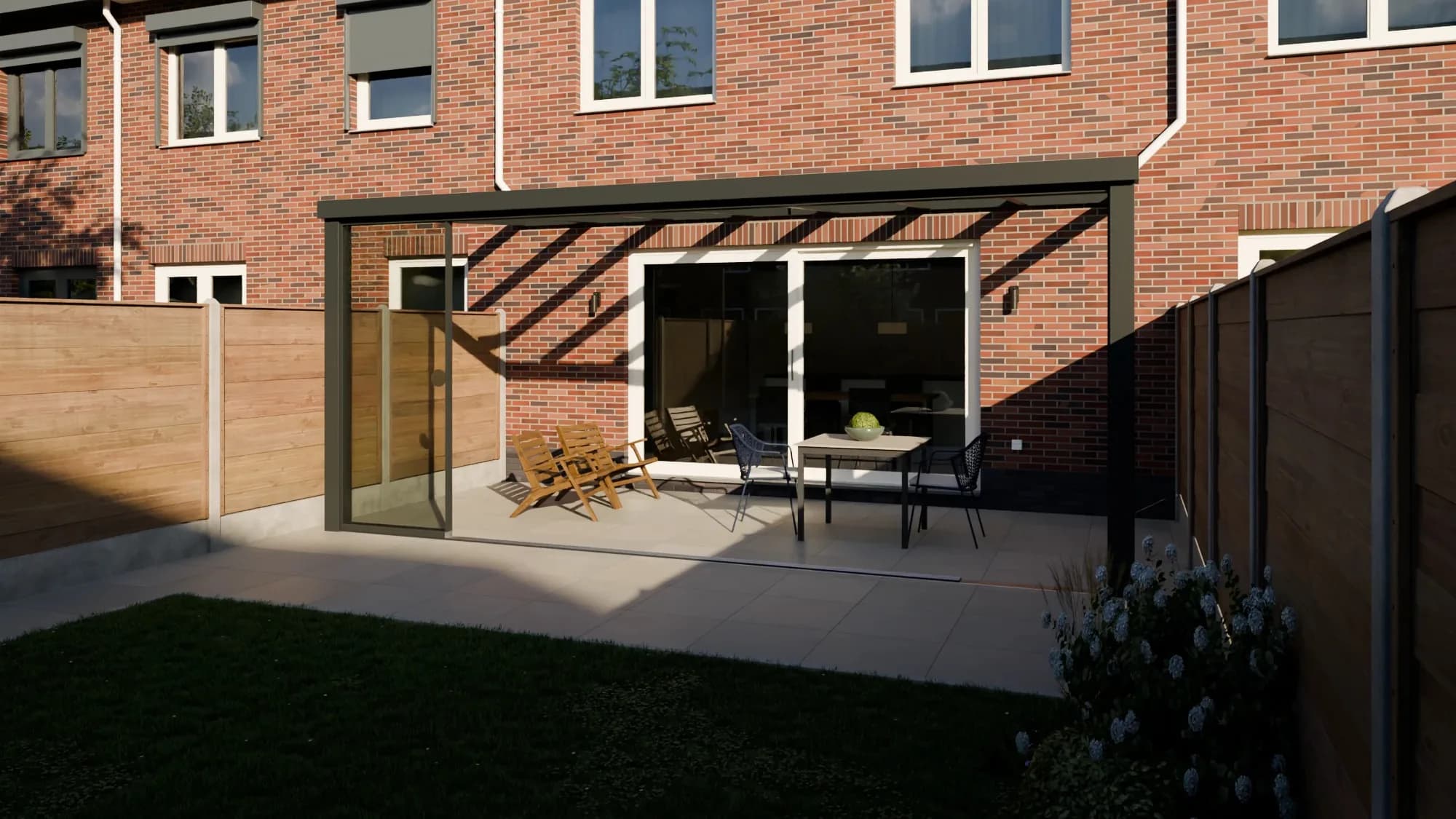
In the meetpiloot app for iPhone and iPad, you design the veranda together with your customer, with a live price, then show it in AR at full size on their patio or in your showroom. The customer can walk underneath it and see how high and deep it really is. You save the design straight as an enquiry, and new enquiries arrive as push notifications.
The full-size view is available for verandas and louvred roofs.
Customer measurement or your own survey?
| Customer measures with iPhone | You survey on site | |
|---|---|---|
| When | before the indicative quote | before the final quote |
| Your effort | none | travel and an appointment |
| Accuracy | good for planning | binding for ordering |
| Result | sizes and photo in the enquiry | order sizes and fitting details |
Combining the two means you only visit customers who know the price range and have already sent sizes. Fewer trips, and every visit counts.
The limits of a customer measurement
A customer measurement is a starting point, not an order size. Before ordering from your supplier, check the sizes, as with any measurement you did not take. Pay particular attention to the fixing height at the house wall, the fall of the ground and the distance to boundaries, which can matter for planning. See veranda planning permission.
Building it into your process
- On your website: the configurator offers the measurement itself.
- On WhatsApp or by email: send a link when a customer rings and does not know their sizes.
- In the showroom: a QR code on the counter so customers can measure at home.
The AR tool for links and QR codes and the iOS app are included in Plus and Pro. More on the measuring page.
Frequently asked questions
Does my customer need to install an app?
No. On an iPhone the measurement opens as an App Clip from a link or a QR code. There is nothing to install.
Does it work on Android?
AR measuring works on iPhone and iPad. On Android, your customer enters the sizes themselves, in the same configurator.
Does a customer measurement replace my survey?
For an indicative quote, often yes. Before ordering from your supplier, check the sizes yourself, as with any measurement you did not take.
Can I show the veranda at full size at the customer's home?
Yes. In the meetpiloot app for iPhone and iPad you design a veranda or louvred roof with your customer, with a live price, and show it in AR at full size.
Read next
How-to · Veranda · Louvred roof · Glass sliding doors · Awnings and shading
Veranda configurator for your website: installer guide
A veranda configurator on your own website: how it works, what it brings and how veranda, glass room and louvred roof installers set it up.
5 min read
How-to · General
Quote software with e-signature for installers
Quote software for installers: quotes from your own price tables, in your branding, signed online and chased up automatically. What to look for.
4 min readIndustry guide · General
CRM for tradespeople: what a sales CRM should do
What a CRM for tradespeople should do on the sales side: enquiries, surveys, quotes with e-signing and follow-up in one place. A guide for installers.
5 min read
From website visit to signed quote
A configurator on your own site with your prices, and enquiries that arrive complete.